Where can I buy MOXO assessments?
MOXO assessments can be purchased directly through their account in one of two ways:
1. From the Purchases page
Click the Purchase icon 
2. From My Profile
Click the My Profile icon 
Here you can view your current plan and test usage, and click Purchase to buy more tests.
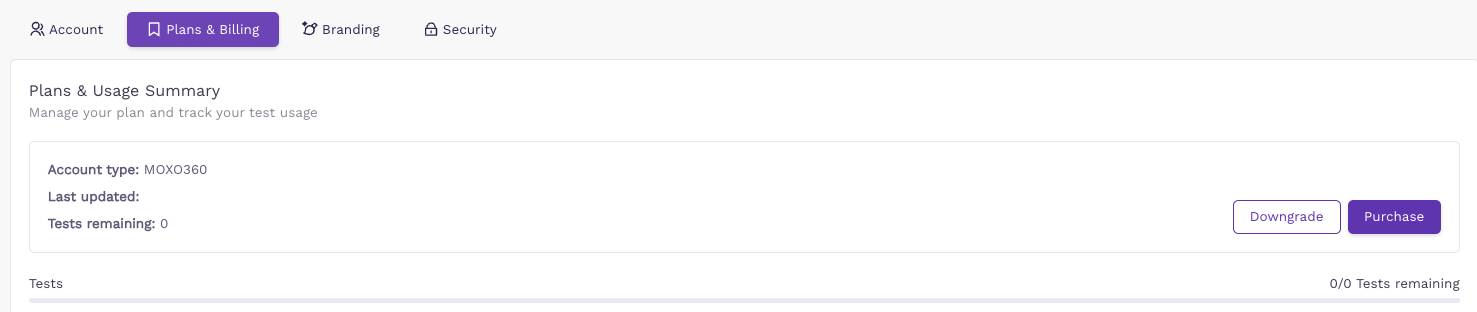
If you haven't already done so, make sure to update your billing entity name and Tax ID first — also found under My Profile > Plans & Billing.