
Registration & Customers Setup
Ready to get started? Setting up your MOXO account is quick and simple.
In just a few easy steps, you’ll be ready to start using MOXO:
- Create your account
- Navigating the Dashboard
- Add a client
- Purchase tests
- Assign a test
- Administering a MOXO Test
- Comparison Tests - and that’s it!
Follow this step-by-step guide to walk you through the process effortlessly and begin testing today.
Create Your Account
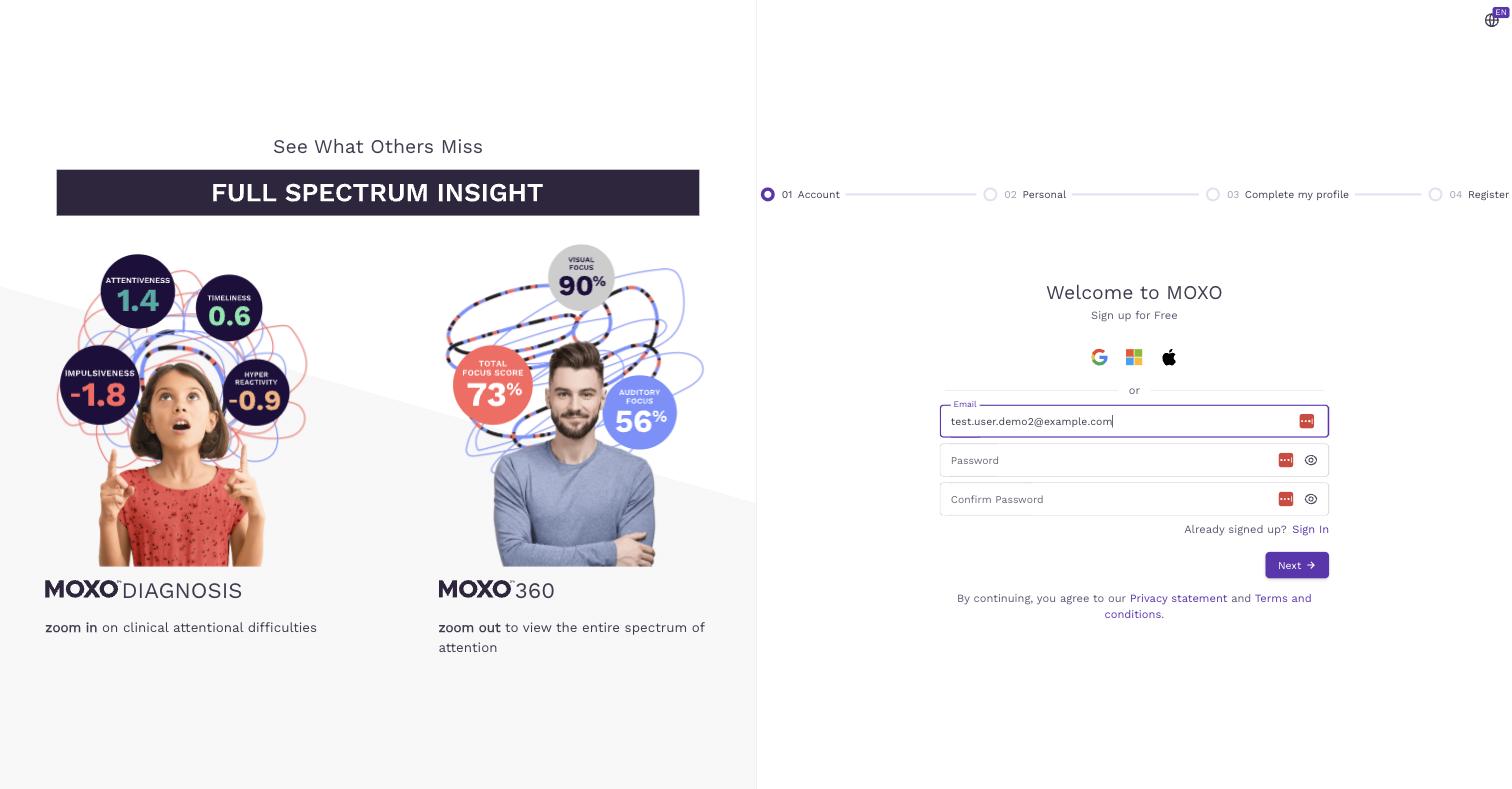
- Visit MOXO's Registration Page.
- The easiest way to sign up is with your Google or Microsoft account — just click the corresponding icon and follow the prompts to finish instantly.
- Alternatively, you can sign up instantly using your Google or Microsoft account instead of creating a password.
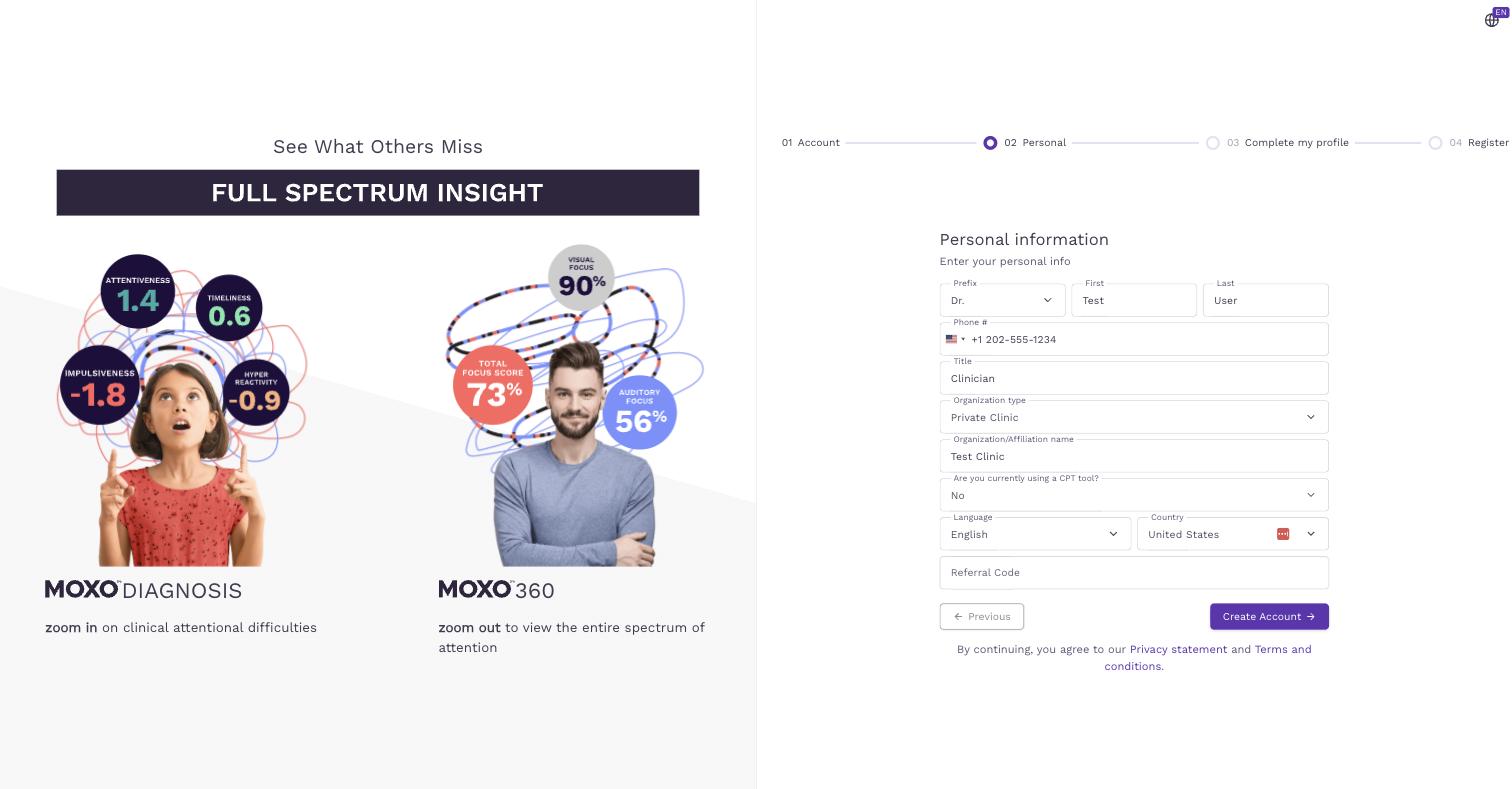
Step 2 of 4 - Personal: Fill in your personal and organization details (name, phone number, title, organization type and name, whether you use a CPT tool, language, and country).
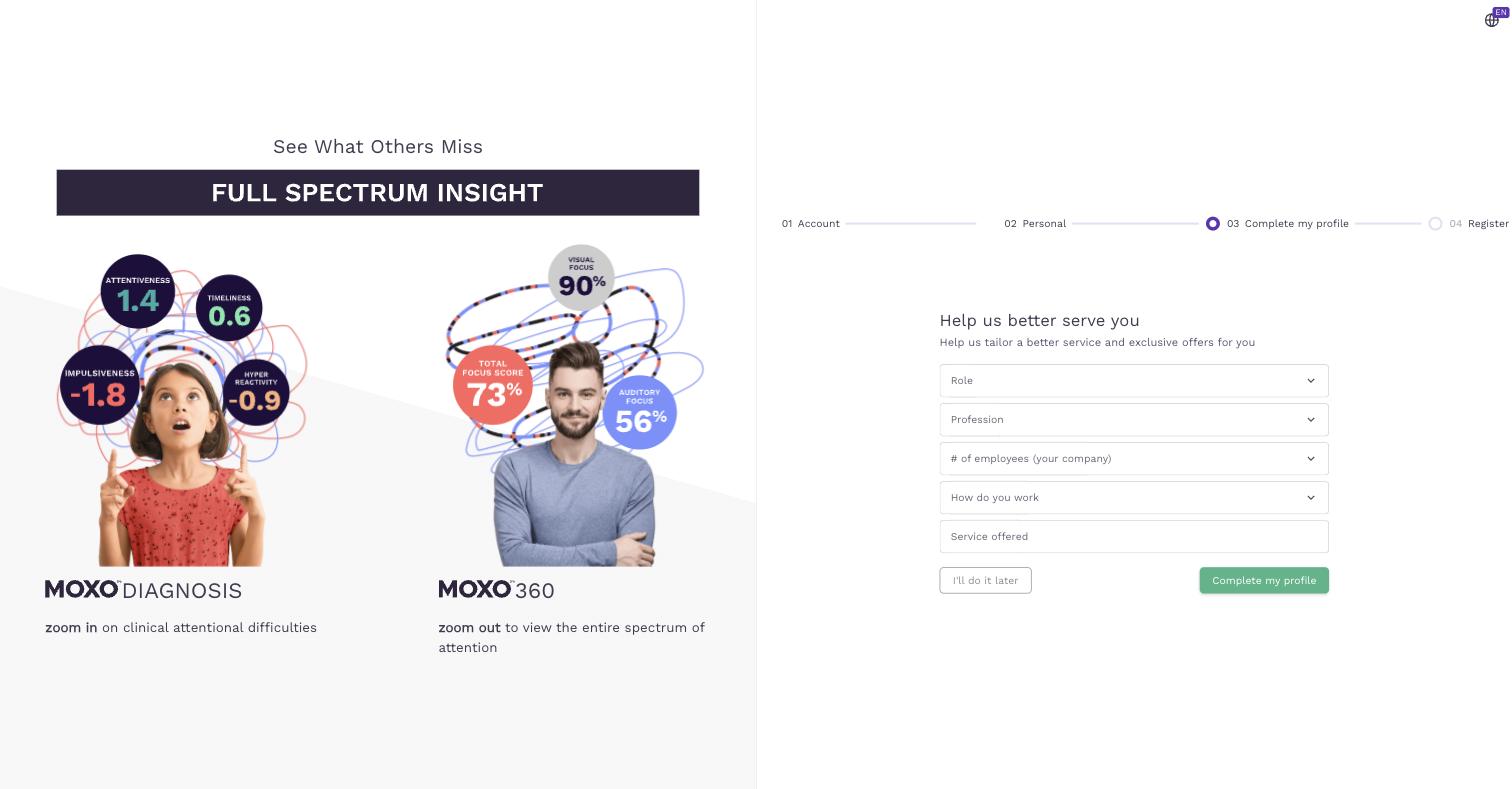
Step 3 of 4 - Complete my profile (optional): You can share a few more details to help MOXO tailor your experience, or click "I'll do it later" to finish creating your account.
Step 4 of 4 - Register: You're all set! Check your email for an activation link to activate your account.